Waterpark Simulator: How to Delete, Sell and Move Items
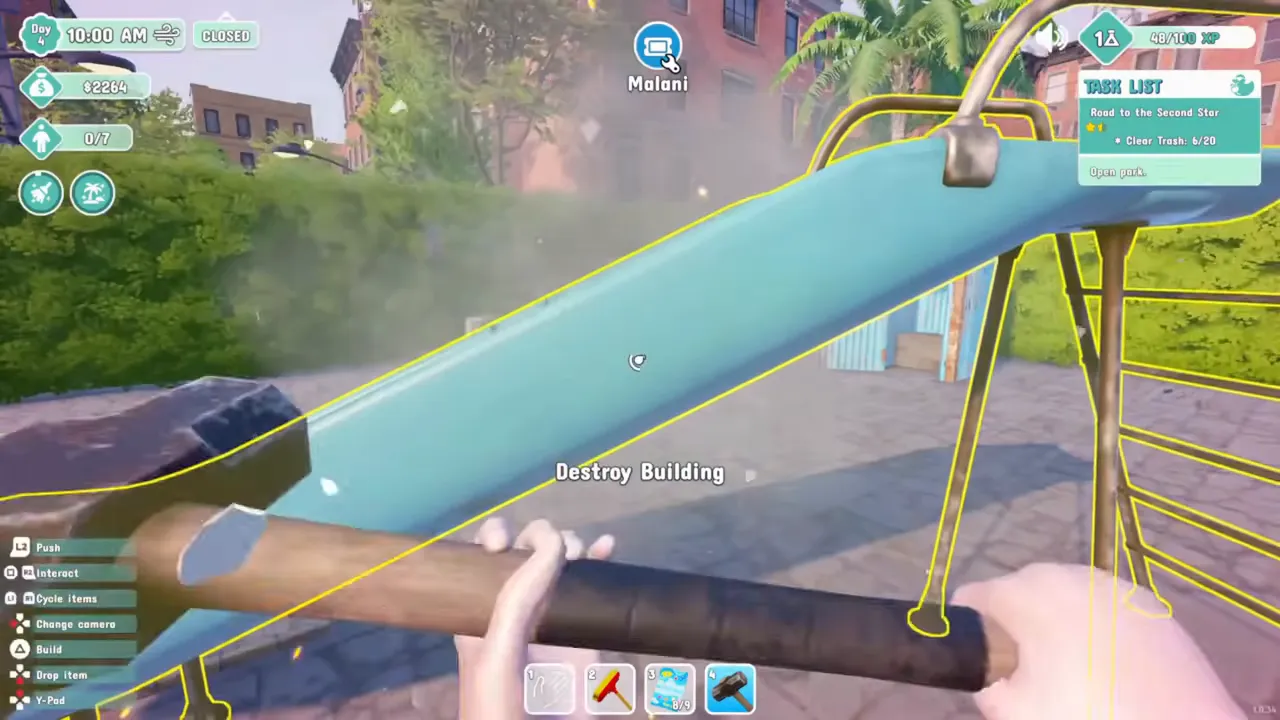
There is no sell or delete button when you start. You remove anything you built by hitting it with the sledgehammer until the Destroy Building prompt finishes the job, and part of its price comes back, which is as close to selling as the game gets. To reposition a pool or slide instead, open the build menu and use Move. A Demolish button can be researched later.
Delete, sell or move: pick the one you need
| You want to | Do this | Money back |
|---|---|---|
| Get rid of a pool, slide, stall or decoration | Hit it with the sledgehammer until it breaks | Part of the price |
| Undo something you placed but have not finished building | Break it down before you build it | Full refund, according to two players |
| Put it somewhere else | Build menu, select it, Move | Nothing is destroyed |
| Return shop supplies you bought by mistake | Drop them in a dumpster | Their cost |
| Clear a lot of items later in the game | Research the Demolish button at the tech table | Not stated |
Delete anything with the sledgehammer
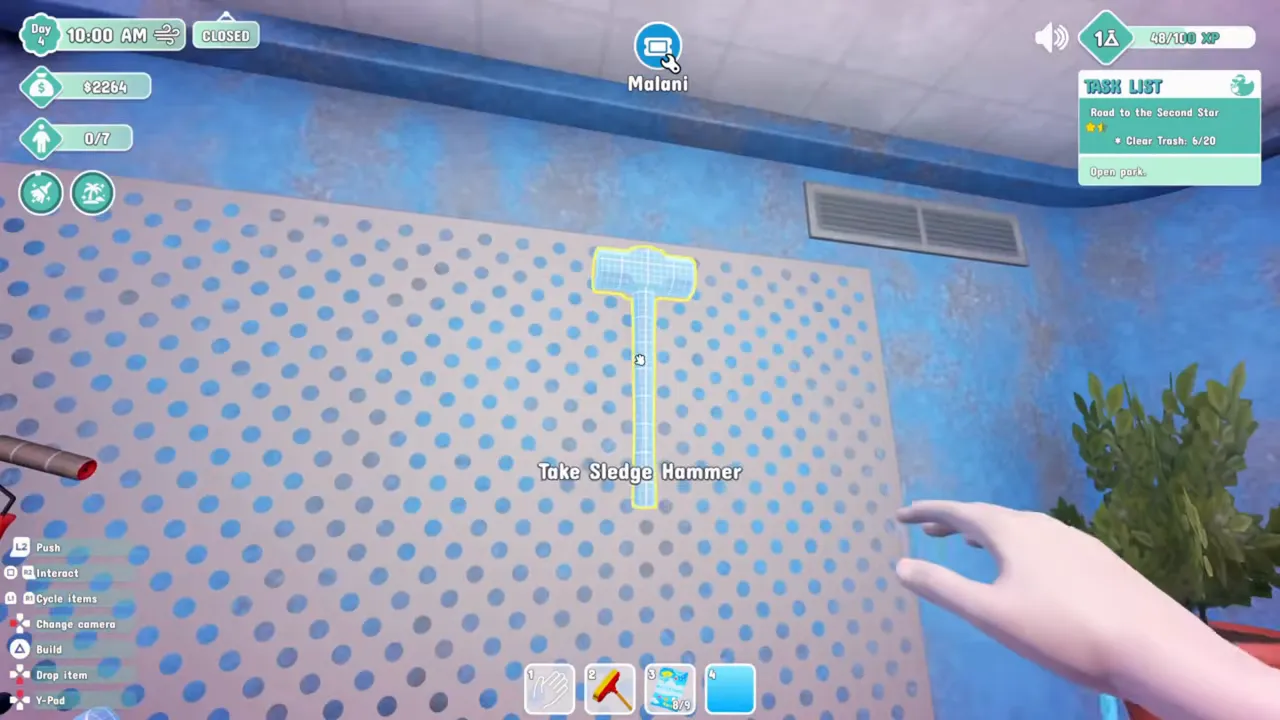
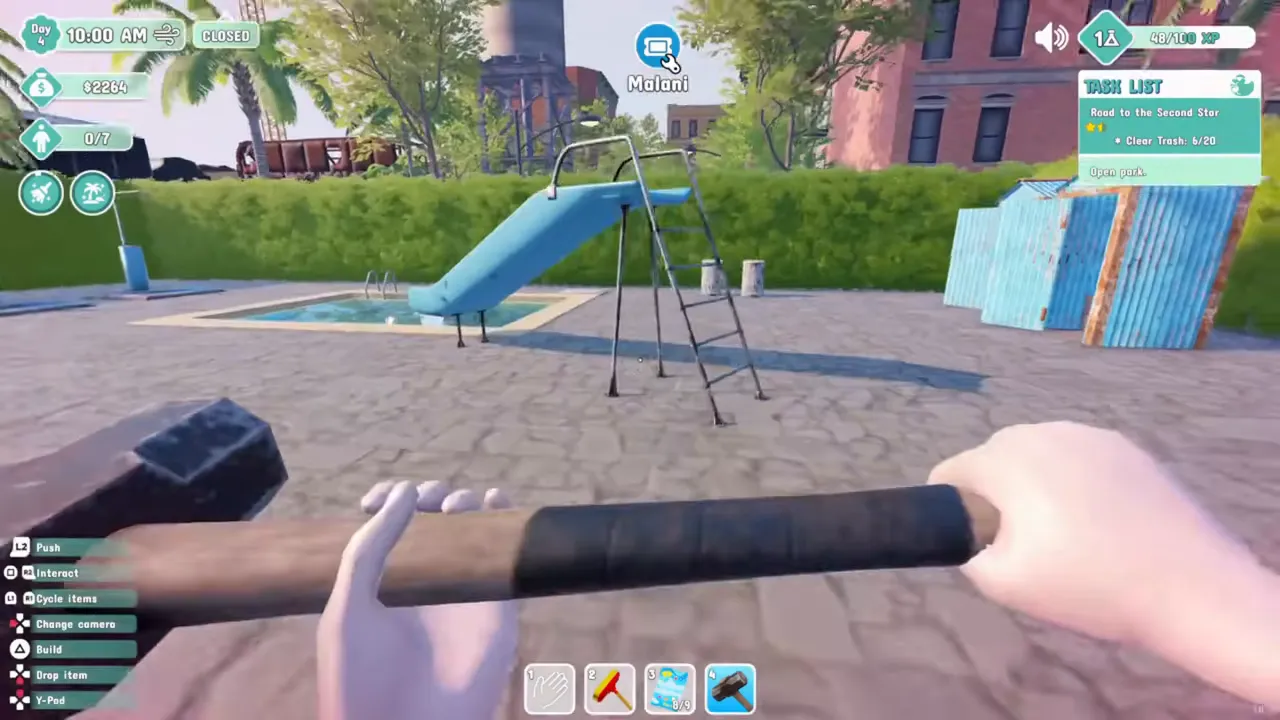
- Hold the sledgehammer, one of the tools you start with. Do not confuse it with the yellow claw hammer, which is for repairs.
- Walk up to the thing you want gone and aim at it until it is outlined in yellow and the prompt reads Destroy Building.
- Swing until it collapses in a cloud of dust.
- Part of the price goes back into your money.
How much money comes back
- Breaking a finished building
- Part of the price
- Breaking it before it is built
- Full refund
- On Hard
- Same refund as the other modes
- Supplies dropped in a dumpster
- Their cost back
The game does not print a percentage. Early Access players settled on "a percentage of the money back", and one guessed 75% while admitting they were only "pretty sure". The full refund for a half-built item comes from a player who spotted it while fixing a pool that would not build, and a second player confirmed noticing the same.
“Hard mode - selling building refunds are the same as in any other mode (so you get to make mistakes when placing buildings or replacing them)”
That line exists because Hard launched three weeks earlier with worse refunds, and the developers described the change as making Hard "a bit less punishing when selling buildings". The rest of what Hard does differently is on the difficulty page. Shop supplies work differently again: since 0.2.70, "Dropping purchased items into the dumpster now, refunds you for their cost."
Move a pool or slide instead of breaking it
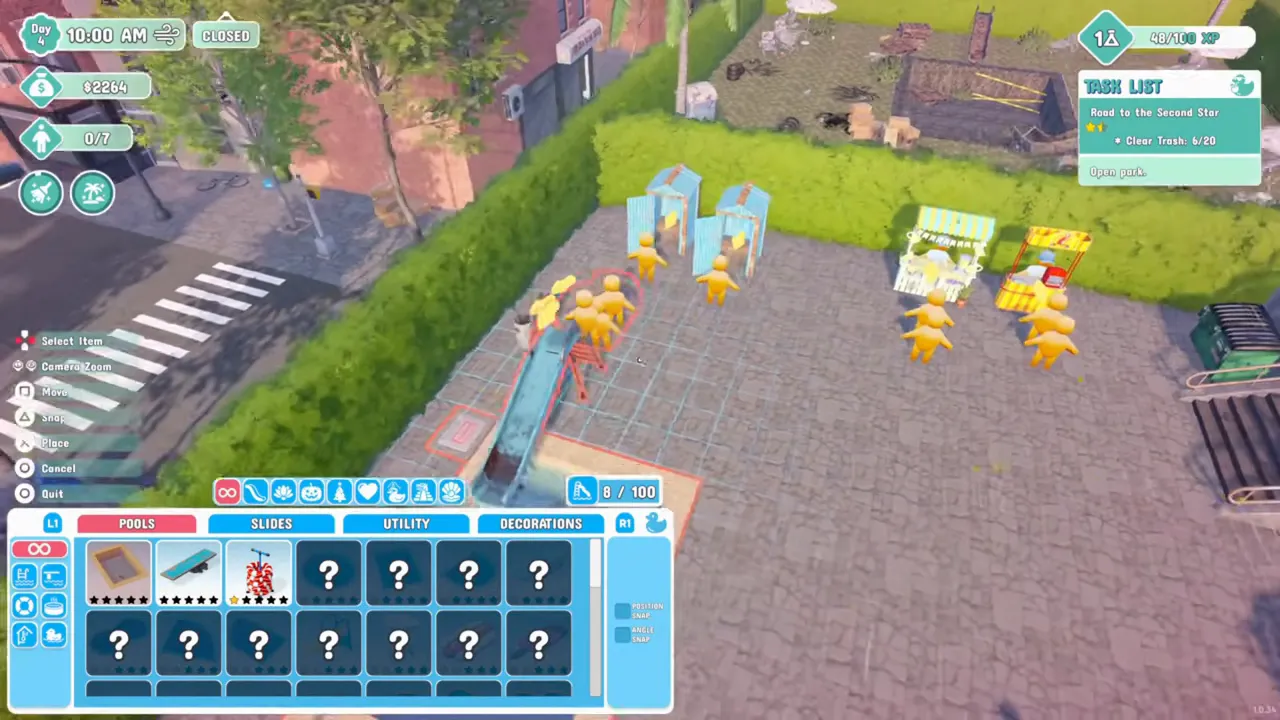
If the item is fine and only the spot is wrong, keep it. Open the build menu, point at the pool or slide already in your park and press Move; on a PS5 controller that is the square button. It stays picked up until you place it again; Snap and Place sit in the same control list. Moving is also the fix when a pool ends up somewhere guests cannot reach, the red exclamation mark covered on the troubleshooting page.
In multiplayer the host decides who may do this. Since 1.0.28 the host's computer in the ticket booth sets permissions for all players, including build and destroy, and players joining a park start with a hammer but no sledgehammer: "When joining another player park, players start with no sledgehammer, but with a hammer" (1.0.30). A later fix, 1.0.48, let every player move pools with water blobs in them.
What the sledgehammer will not remove
- The dumpster your park starts with. "You can destroy the grime dumpsters you build, but you can never destroy your original dumpster", as one player summed it up, and another asked in June 2026 to be allowed to move it. Build new dumpsters beside it, including the recycle dumpster Yogi asks for.
References
- Steam Community — Selling/deleting buildings (sledgehammer, percentage back)
- Steam Community — No sell option?
- Steam Community — How to remove item (developer: Demolish button via tech table)
- Steam Community — Cannot build a double rectangle pool (full refund before building)
- Steam Community — New shelves (moving pools sends people flying)
- Steam Community — BUG: can't destroy Grime Dumpster or Clean Dumpster with Sledge Hammer
- Steam Community — Dumpster (move the starter dumpster request)
- UPDATE 0.2.70 patch notes — dumpster refunds for purchased items
- UPDATE 0.4.22 patch notes — Hard mode selling refunds
- UPDATE 1.0.30 patch notes — joining players start without a sledgehammer
- UPDATE 1.0.48 patch notes — moving pools with blobs in multiplayer
- Steam — Waterpark Simulator global achievements (Demolition Daydream)
- Steam — Waterpark Simulator user reviews
- Mathias Does Tech — How To Delete or Move Objects in Waterpark Simulator (YouTube)
Related
- waterpark simulator layoutThere is no single correct layout. What separates good parks from frustrating ones is gues…
- waterpark simulator toolsThe Duck Gun costs $20,000 and the Royal Hammer $100,000, both bought with cash from the o…
- waterpark simulator recycle dumpsterThe recycle dumpster is the black dumpster with flames painted on it, in the Utility tab o…
- waterpark simulator difficultyYou choose Sandbox, Easy, Normal or Hard when you create a park, and the developers say th…
- waterpark simulator research pointsCleaning graffiti with an upgraded mop and spraying guests with the water gun are the two …
- waterpark simulator custom slidesSlides are built segment by segment, so you control the curves, loops and drops. Longer, m…