Waterpark Simulator Steam Deck: Playable, With Caveats
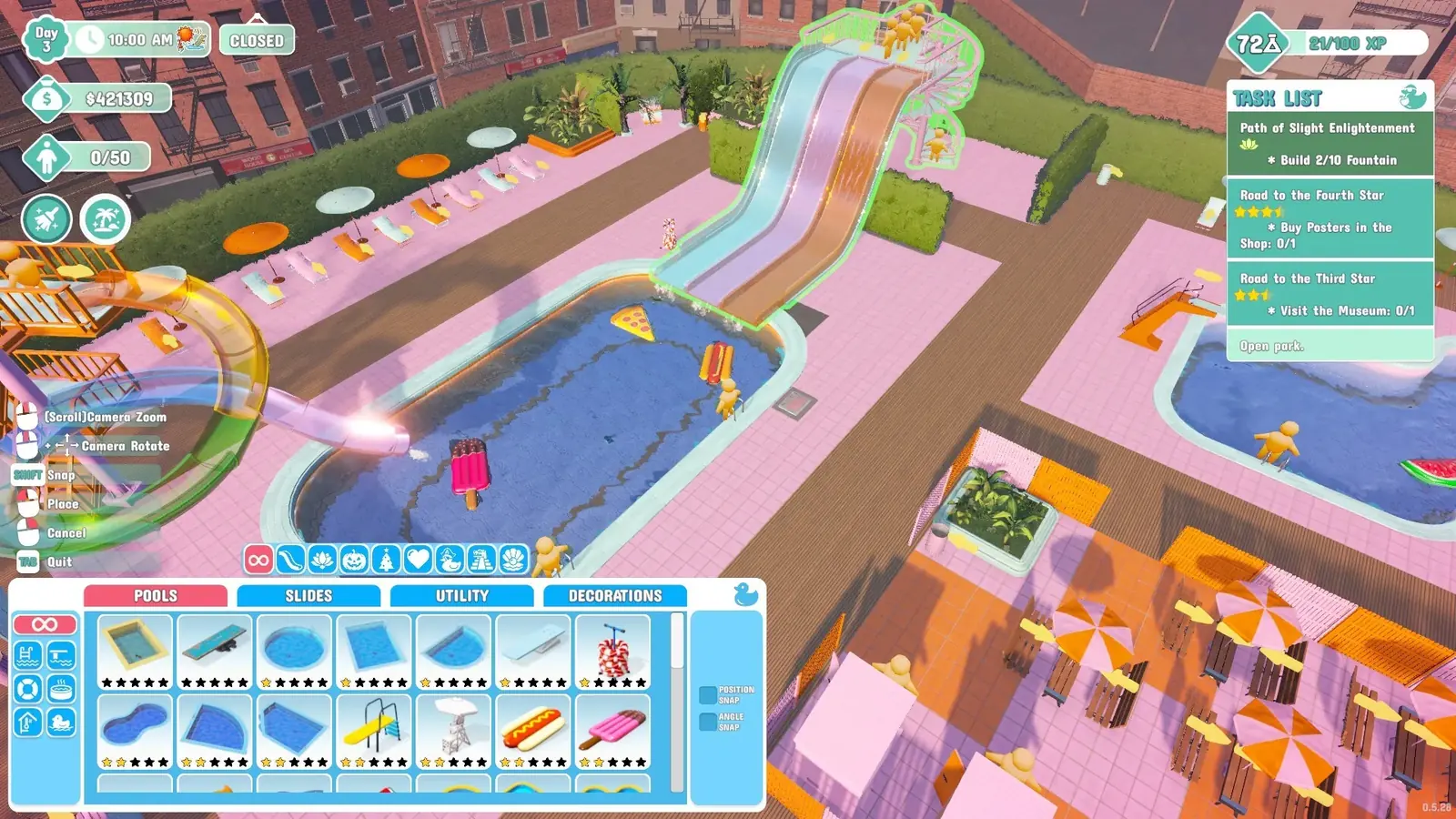
Yes, with caveats. Valve rates it Playable rather than Verified. The flagged issues are interface text that is hard to read, a default controller layout that is not fully functional, wrong button glyphs, and no automatic on-screen keyboard.
The official rating versus the community one
- Valve rating
- Playable
- ProtonDB tier
- Platinum
- ProtonDB reports
- 19
- Trending tier
- Gold
- Native Linux
- No
- Runs via
- Proton
Playable means the game runs but needs manual adjustment. ProtonDB's community rating is more positive — Platinum overall from 19 reports, with a recent trend of Gold, which means most people are getting a good experience once set up.
The gap between the two ratings is normal. Valve's rating penalises any friction at all, including things you fix once and forget. ProtonDB reflects how the game feels after people have done that.
The four flagged issues
| Issue | What it means in play |
|---|---|
| Interface text is not legible | HUD and menu text is small on a 7-inch screen |
| Default controller config not fully functional | You will need to adjust the layout yourself |
| Controller glyphs do not match the Deck | On-screen prompts show the wrong button icons |
| Text input does not invoke the keyboard | Bring up the on-screen keyboard manually when naming things |
Setting it up properly
- Expect to build your own controller layout rather than using the default. The game has full controller support, so the mapping exists — it just is not tuned for the Deck out of the box.
- Learn the on-screen keyboard shortcut before you need it. Naming a park or a custom slide will prompt for text and the keyboard will not appear on its own.
- Ignore the on-screen button prompts and go by feel once your layout is set, since the glyphs will not match what you are pressing.
- If frames dip in a large park, open Settings, go to Video and max the FPS Limit slider (disable vsync first if the slider is missing).
That last step is worth knowing regardless of hardware. The FPS slider is hidden while vsync is on, so most players never find it, and it is the fix that resolved stuttering for players who reported it.
Performance as your park grows
The consistent theme in performance reports is park size rather than hardware. A starter park runs fine on modest machines and the same save stutters badly fifty hours later, simply because there is far more to simulate.
Reported symptoms include framerate dips, mouse movement that feels unstable, and animations that stop playing smoothly. On a Deck those show up sooner than on a desktop, so budget your park's scale accordingly.
Docking to a monitor sidesteps the text legibility problem entirely and gives you a bigger thermal envelope, which is the practical answer if you want both handheld sessions and a large late-game park.
What runs and what does not
The full game runs, including online co-op. You are playing the PC version through Proton, so you are on the PC platform for multiplayer purposes and can play with other Steam players — but not with PlayStation or Xbox, because there is no crossplay.
Mods are technically possible since this is the PC build, but installing them on a Deck is more involved than on a desktop, and mod compatibility has been disrupted by the game's switch from Mono to IL2CPP. Check a mod's tested game version before bothering.
References
Related
- waterpark simulator platformsWaterpark Simulator is on PC (Steam), PlayStation 5 and Xbox Series X|S, all released on 3…
- waterpark simulator crashingFor stutter: open Settings, go to Video, and max the FPS Limit slider — disable vsync firs…
- waterpark simulator modsYes, Waterpark Simulator has mods. Nexus Mods is the main host and listed 65 mods when we …