Waterpark Simulator Crashing and Lag: Real Fixes
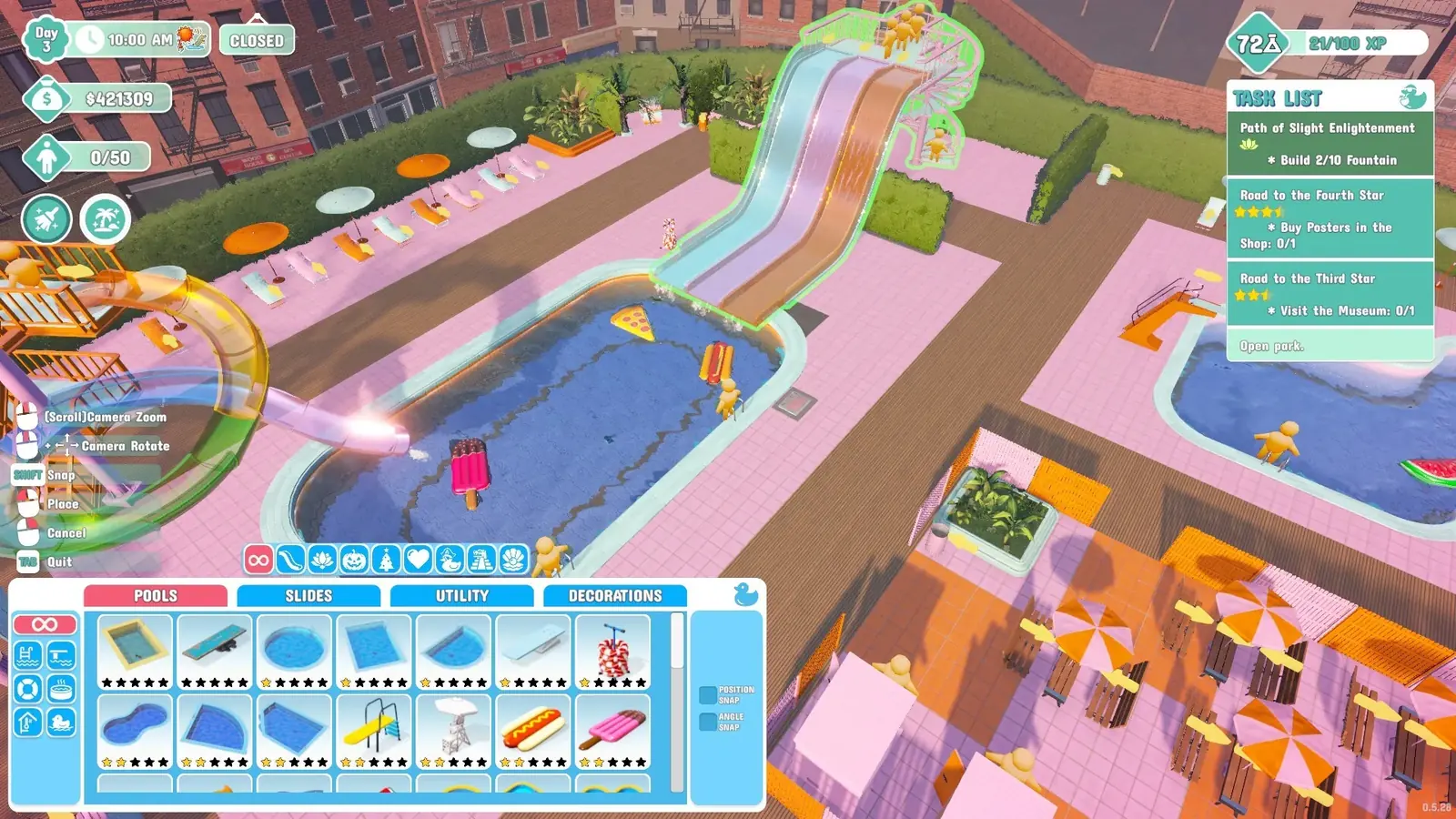
For stutter: open Settings, go to Video, and max the FPS Limit slider — disable vsync first if the slider is not there. For crashes: restart your computer with no Steam downloads or updates running in the background. For a park that never loads: unplug a second monitor and try windowed mode.
Lag and stutter: the FPS slider almost nobody finds
This is the single most effective fix reported for stuttering, and the reason it works for so many people is that the setting is hidden by default.
- Open Settings and go to Video.
- Find the FPS Limit slider. If it is greyed out or missing, disable vsync first — the cap is tied to it, and this is the step people miss.
- Move the FPS Limit slider all the way up. One player on the Steam forums reported the stutter gone immediately, without a restart.
- Return to your park and check whether the stutter is gone.
Why performance degrades over time
The consistent theme in performance reports is park size, not hardware. A starter park runs fine and the same save stutters badly fifty hours later, because there is simply far more to simulate — every guest is a physics object with satisfaction state, and every attraction is tracking queues and wear.
Reported symptoms include framerate dips, mouse movement that feels unstable, and animations that stop playing smoothly. All three worsen as the park grows rather than appearing suddenly.
- Lower other graphics settings before concluding the game is broken.
- Check whether Steam is downloading something in the background — that alone causes stutter.
- Switch the display mode to Borderless Fullscreen in Settings › Video — a Steam forum lag thread was closed by exactly that change.
- If you run mods, disable them. A version-mismatched mod can cost real performance.
- Very large parks with heavy decoration are the hardest case; there is no setting that fully removes that cost.
Not loading, or stuck on the loading screen
When the game launches but your park never finishes loading, the fixes players report are not the usual driver updates — they are about what is plugged in and how the window opens. Work through them in this order; each one has resolved a thread on its own.
- Unplug a second monitor, load the park, then plug it back in. A player with a two-screen setup found the park loaded fine the moment the second display was disconnected.
- Check Caps Lock is off before you launch — it sounds odd, but it was the first thing suggested in the loading thread and it costs nothing.
- Turn off Steam Cloud sync for the game in the Steam properties, then launch again.
- Start the game in windowed mode instead of fullscreen, load the park, and only then switch back.
- If it still hangs, verify the game files through Steam — the developers themselves recommended this for saves that load empty after an update.
Crashes: the fix that keeps working
The fix players report most often is not a game setting at all. Restarting the computer with nothing installing in the background resolved it for people who had been crashing repeatedly.
- Close the game and check Steam for downloads or updates in progress.
- Let anything in the queue finish, or pause it.
- Restart the computer rather than just relaunching the game.
- Launch again with nothing else installing.
This is not an official fix, but it turns up repeatedly in player reports and costs nothing to try. Background Steam activity competing for disk and CPU is a plausible mechanism for a game that streams a lot of assets.
The other fix from the forum is Discord. A player who crashed at the main menu every launch in September — logo, menu, crash — traced it to Discord running in the background and stopped crashing once it was closed. The developers' own position, repeated on 8 September, is that without your log files they cannot guess what a specific machine is doing, which is why the crash folder path below matters more than any tip.
Hard freezes and your save
The developers have improved this from their side. An August patch specifically strengthened backup save files to make them more robust in case of a game or PC crash, which suggests save corruption after a freeze was a real problem they were seeing.
If freezes are frequent rather than occasional, treat it as a system-level problem — drivers, thermals, background load — rather than something a game setting will resolve.
Lost or corrupted save: the backup files
The game keeps up to ten rolling backups beside every park, and renaming one back to the save name brings a broken park back in about a minute. The folder paths for Windows and Steam Deck, the rename steps, and the Steam Cloud checks for a park that has vanished are all on the save file page.
The same pinned help thread has the official black-screen routine for a game that opens to nothing: from the main menu go to video settings and, one at a time, lower the quality settings, turn on v-sync, and switch the window mode to borderless fullscreen, testing after each. If it still shows black, they ask for the LocalLow folder zipped and sent to support@cayplay.com or their Discord.
Multiplayer connection problems
The most common co-op complaint is different from single-player instability. A friend hangs on the loading screen, or drops out with "connection to host lost", across friends-only, invite-only and public sessions alike.
The tell that this is not a broken install is that the affected player can usually load their own solo park without any trouble, and can eventually join other multiplayer sessions. That points at session or host-side networking rather than corrupted files.
There is no official fix for this specific behaviour that we are aware of. The Steam discussions and the official Discord are where the developers actively read reports, so that is the useful place to post if it affects you.
Stuck outside the park, under the map, or in a wall
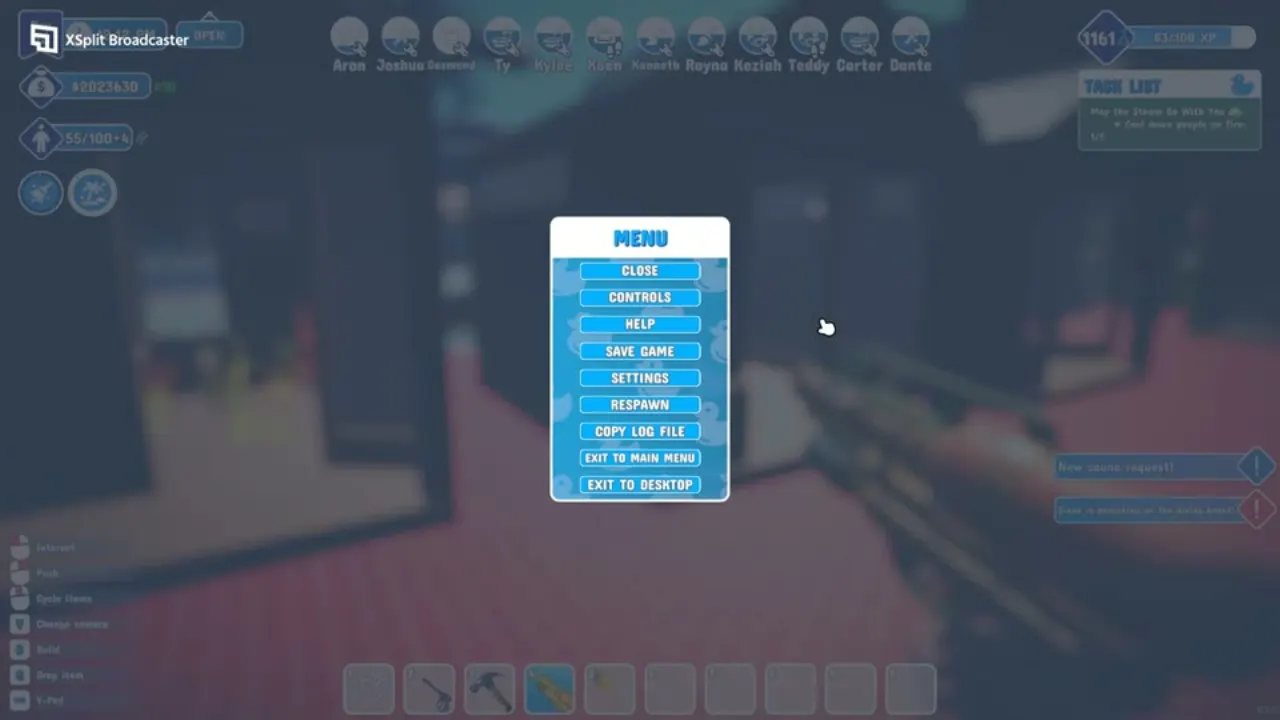
You do not need to reload a save for this. Open the pause menu and press Respawn — it puts you back inside the park at the entrance. The same menu holds Copy Log File, which is what the developers ask for when you report a crash on the Steam discussions or Discord, so it is worth knowing where it is before you need it.
PlayStation 5 and Xbox: what is different
Console players search for lag and crashes too, but the big console problem in launch week was a soft lock, not performance. On PlayStation 5 the second-star objective "Spread love with water gun" would not count sprayed guests on Normal or Hard difficulty, which stopped the star road dead. The developers acknowledged it on Twitter and Discord, said it came from a last-minute change made to comply with Sony, and put it in the patch queue.
- The launch-week workaround was to play on Easy or Sandbox, where the objective counts — at the cost of trophies, which those modes do not award.
- Check the platform pages and the patch notes before you switch difficulty; the console builds get the PC patches on a delay.
- Console has no FPS slider to find; if a large park stutters, the levers left are fewer decorations and fewer guests in view — the same advice as the park layout guide.
- Being stuck in geometry on console is fixed the same way as on PC: pause menu, Respawn.
- PS5 parks that refused to load over the weekend of 5–6 September were a porting-company test-environment mismatch, fixed in build 1.000.010 on 10 September.
- Still open on the studio's own list for consoles: black screens at launch, and frame-rate drops around certain trash cans. Both are under investigation with the porting company.
- A black screen mid-game on PS5 — with the pause menu invisible too — has been tied by players to the plunger gun. The only exit is to close and relaunch the game; let the day end first so you keep the day's progress.
Bugs the developers have already fixed
The game has been patched weekly since launch, and a surprising number of "is my game broken" questions turn out to describe something already resolved. Updating is genuinely the first thing to try.
| Symptom | Status |
|---|---|
| Guests appearing to swim through the air | Fixed |
| Guests injured outside park limits and unreachable by lifeguards | Fixed |
| Injuries that scaled with framerate | Fixed |
| Staff getting stuck in the break room | Fixed in edge cases |
| Achievements not progressing during multiplayer | Fixed |
| Items dropped on the floor despawning after quitting | Fixed — they now persist |
| Shop supplies and chlorine despawning on reload | Fixed |
| Ambience missing in multiplayer | Fixed |
Where to report something new
There is a pinned bug-reporting thread for the 1.0 release in the Steam discussions, and the developer account posts in it directly. Before reporting, confirm you are on the latest version — that is the first thing they ask.
The studio has been visibly responsive: key rebinding, a free camera mode, custom slide renaming and hold-to-fire on the water guns were all community requests that shipped within weeks of launch.
Items marked "unreachable" with a red !
The red exclamation mark means guests cannot path to that item. One Steam report started with a single quarter pool flagged, then every object in the park turned red after another item was placed — a chain reaction from one broken path, not dozens of broken items. Find the piece that blocks the walkway (usually the most recent placement), move it, and the rest clear together. Two patches fixed specific cases: reachability on the pirate diving board (28 August) and guests injured outside the park limits being unreachable for lifeguards (1.0.63).
"Failed to load IL2CPP" on launch
This is a Unity error, not a Waterpark Simulator one, and on this game it almost always follows a mod install. BepInEx and the IL2CPP-era mods hook the game's loader; when the game updates under them the loader fails. Remove the BepInEx folder and any injected DLLs, verify the game files through Steam, and launch clean — the mods not working page explains why the IL2CPP switch broke the mod scene and which mods survived.
References
- Steam Community — bug reports for 1.0
- Waterpark Simulator news and patch notes
- r/waterparksimulator
- waterparksimulator.com — PlayStation v1.0.62.29p patch notes (10 September 2026)
- Steam Community — Need help? Read this first (pinned)
- Steam Community — Game Crashes
- r/waterparksimulator — Was just trying to get that sledgehammer (plunger-gun black screen)
Related
- waterpark simulator mods not workingThe game switched its scripting backend from Mono to IL2CPP, and that broke essentially al…
- waterpark simulator steam deckYes, with caveats. Valve rates it Playable rather than Verified. The flagged issues are in…
- waterpark simulator multiplayerYes. Waterpark Simulator has online co-op for up to 4 players including the host, on the s…