Waterpark Simulator Layout: Guest Flow and Zoning
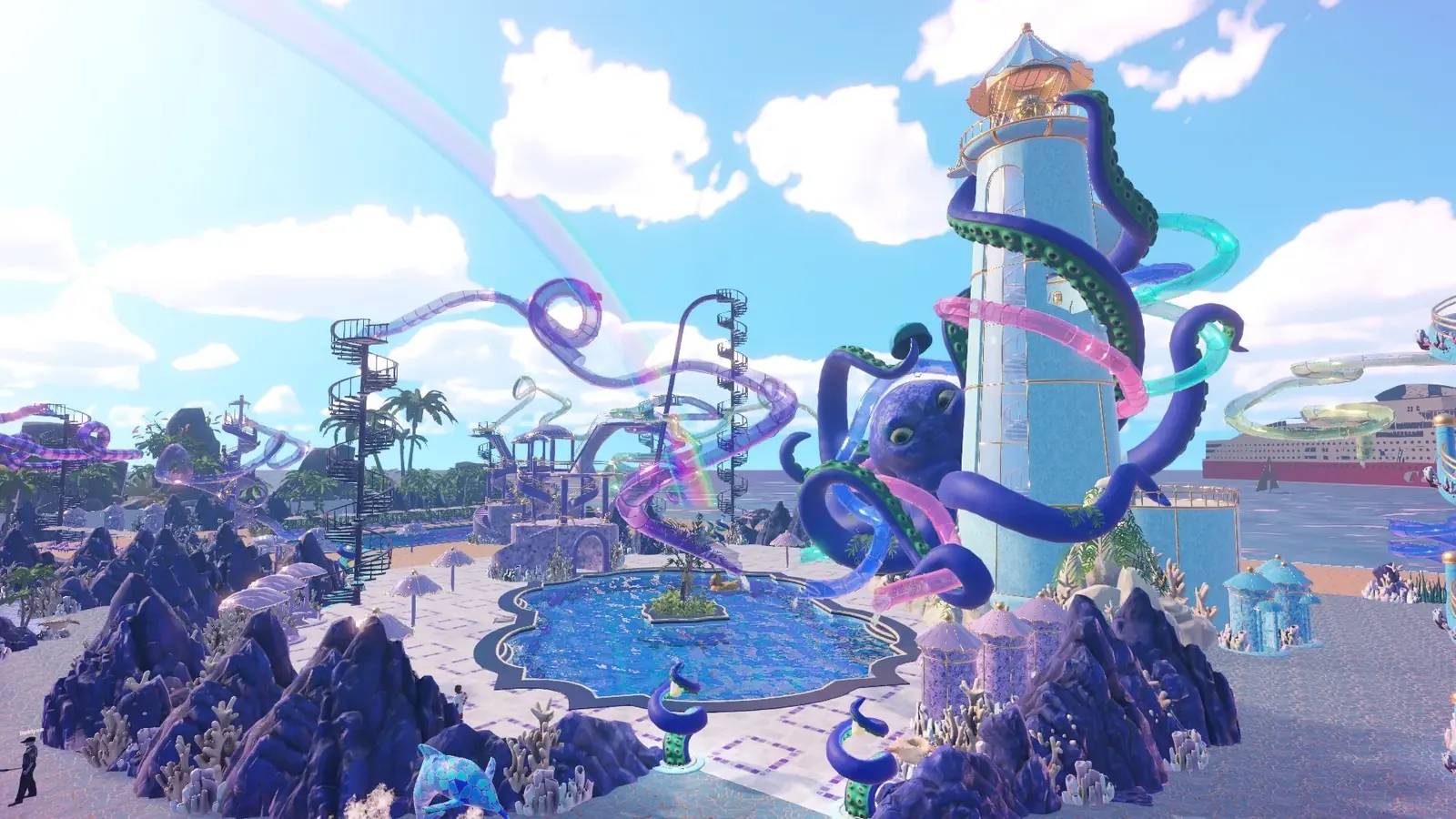
There is no single correct layout. What separates good parks from frustrating ones is guest flow: wide paths, slide exits that do not dump into walkways, staff stationed near the mess they clean, and clear zoning.
Plan around flow, not looks
Guests walk between attractions constantly, and every bottleneck you build turns into a queue that blocks something else. Wide main paths cost almost nothing and prevent most of it. This is the single biggest difference between a park that feels smooth and one that feels congested.
- Give slide exits open space — a landing that empties onto a path jams instantly.
- Keep food stalls off the main artery so queues do not block through-traffic.
- Leave clearance around ziplines; their pathing is the fussiest in the game.
- Cluster the messy areas so cleaners are not walking the whole park.
The zipline pathing problem
Ziplines deserve their own note because they are the attraction most likely to break your guest flow. The recurring feedback in the Steam discussions is that guest pathing around ziplines needs work — guests do not always approach or leave one the way the layout suggests they should.
In practice a zipline dropped into a tight corner can strand guests or create a queue that blocks a walkway. Give both the start and landing ends open walkway on all sides, and do not run a zipline directly over a busy path — the landing crowd will jam it.
Zone the park
Splitting the park into themed zones does more than look tidy. It shortens staff walking distance, keeps decoration points concentrated where prestige is measured, and makes it obvious which area is dragging your rating down.
The 1.0 update added arches and signs specifically to help with zoning — players asked for them to mark out areas of their parks. Use them to make the boundaries between zones legible to yourself as much as to guests.
Tools that help you build
A free camera mode was added in an August patch. Pressing F1 hands you a drone you can fly anywhere around the park — useful for judging flow from above and for the screenshots most good layout threads are showing off.
The same era of patches reworked the grid and snapping to align better with the floor, and made items dropped on the floor persist after you quit rather than despawning. Both make deliberate layout work less frustrating than it was at launch.
- Press F1 for the free camera to judge flow from above.
- Use arches and signs to mark zone boundaries.
- Custom slides can be renamed after building, which helps when managing a large park.
- The grid now aligns to the floor, so snapping is more predictable.
Where your save file lives
On Windows, save files sit under your user AppData folder. Pressing Win + R and pasting %userprofile%\AppData gets you into the right tree quickly, which is worth knowing before you experiment with a save editor or a big teardown.
Learning from other parks
The developers have asked five-star park owners to share save files so they can study layouts. Community threads showing finished parks are the closest thing to a reference library right now, and they are more useful than any single prescribed layout.
References
Related
- waterpark simulator custom slidesSlides are built segment by segment, so you control the curves, loops and drops. Longer, m…
- waterpark simulator 5 star parkFive stars asks for $500,000 earned plus two slides at 4 prestige. The Diamond tier after …
- waterpark simulator chlorineClean pools with the sponge-mop or the power washer. Draining and refilling clears contami…